How to Download a Digital Download from Etsy (Step by Step)
Where to find your Etsy digital files, why the Etsy app won't download them, and how the README.pdf and Google Drive folder work for Little Loom Arts bundles.
You paid, you got the email, and now you can't find the files. This is the most common question about Etsy digital downloads, and the fix usually takes a minute.
Use a web browser, not the Etsy app
The Etsy mobile app does not download digital purchases. Open Etsy.com in a web browser instead. A phone browser works, but a computer is easier because clipart bundles contain many large PNG files.
Find your files on Etsy
- Sign in to Etsy.com in a web browser.
- Click your profile icon, then Purchases and reviews.
- Find the order and click Download files.
- Download the file that is listed there.
Etsy only shows the download button after the payment is confirmed. Most card payments confirm within a few minutes. If you don't see the button yet, wait and refresh the page.
Why Little Loom Arts bundles start with a README.pdf
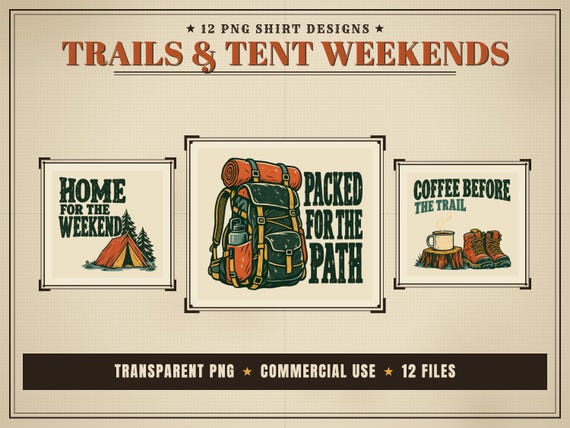
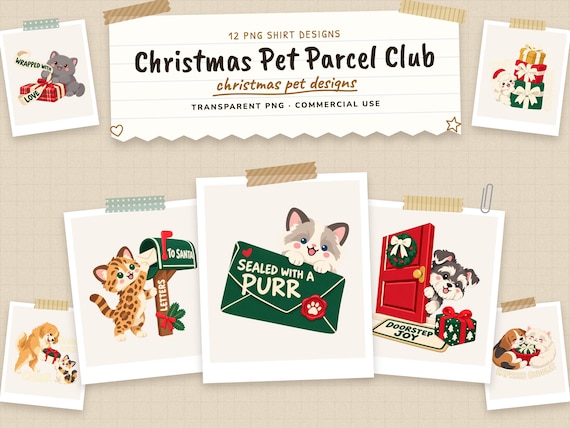
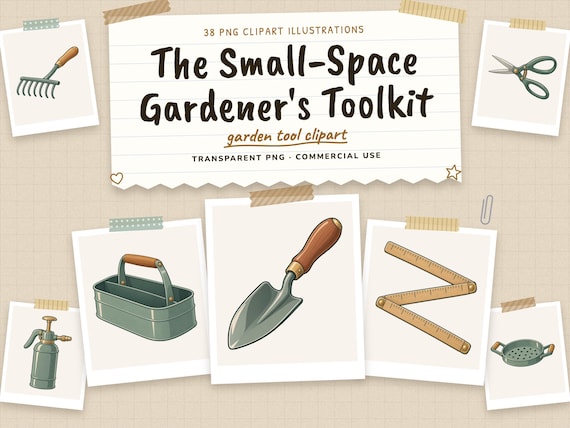
Each bundle holds 12 to 40 high-resolution PNG files, often 4500 px or larger. To keep every file at full size and easy to get, Etsy delivers one small file, README.pdf, and the artwork itself sits in a Google Drive folder.
- Open README.pdf.
- On page 1, click Open your download folder.
- In Google Drive, download the individual PNG files and LICENSE.pdf.
- Save everything on your own computer or cloud drive before you start a project.
You don't need a Google account to download from a shared Drive folder.
Downloading many files at once
In Google Drive, select files with Ctrl (Windows) or Cmd (Mac), or press Ctrl/Cmd + A to select them all. Then click Download. Drive packs several files into a ZIP; open it to get the individual PNGs.
Common problems and fixes
- Nothing happens when I tap Download in the app: the app doesn't support digital files. Use the browser.
- The PNG opens with a white or checkered background: that's just your image viewer. The background is still transparent. Place the file in Canva, Cricut Design Space or Photoshop to see it on top of other colours.
- The files look small on my phone: previews are compressed. Check the real size in the file properties. See the clipart size guide.
- Drive says the download is too large: download the files in a few smaller groups.
Still stuck?
Message Little Loom Arts through Etsy Messages with your order number. Read what you can do with the files on the license page.